

Creating a relaxing home workspace is essential for anyone looking to boost their productivity while maintaining comfort throughout the workday. Whether you work remotely full-time or occasionally need a quiet spot to focus, designing your environment can have a big impact on your efficiency and well-being.
In this post, we’ll explore practical tips and ideas that can help you transform any space in your home into a productive and inviting workspace.
Why a Relaxing Workspace Matters
A workspace that promotes relaxation helps reduce stress and distractions, allowing you to concentrate better on your tasks. When your environment supports comfort and calm, it’s easier to stay motivated, think creatively, and maintain a healthy work-life balance.
Choose the Right Location
Select a quiet spot: Find an area in your home with minimal noise and foot traffic. This could be a spare room, a corner in the living room, or even a nook near a window.
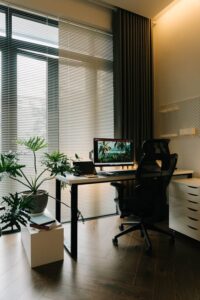
Consider natural light: Position your workspace near a window if possible. Natural light improves mood and reduces eye strain compared to harsh artificial lighting.
Think about privacy: If you live with others, try to pick a spot that offers some privacy to avoid interruptions during important calls or focused work sessions.
Invest in Comfortable Furniture
Ergonomic chair: A comfortable chair that’s adjustable and supports your back will keep you comfortable for long periods.
Desk at the right height: Your desk should allow your arms to rest comfortably at a 90-degree angle to avoid strain.
Add a footrest: If your feet don’t touch the floor naturally, a footrest can improve posture and circulation.
Remember, comfort doesn’t mean luxury — it means supporting your body’s natural posture and reducing fatigue.
Organize and Declutter
Keep essentials within reach: Use drawer organizers or desktop trays to keep pens, notebooks, and chargers handy but out of sight when not in use.
Limit clutter: A tidy workspace helps your mind stay clear. Try to keep surfaces clean and only display items that inspire or motivate you.
Use storage solutions: Shelves, cabinets, or rolling carts can help keep papers, books, and devices organized without crowding your desk.
Personalize Your Space
Adding personal touches makes your workspace inviting but be mindful to keep it simple to avoid distractions.
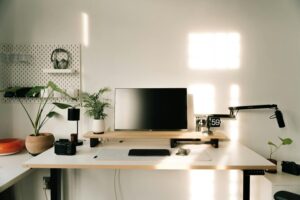
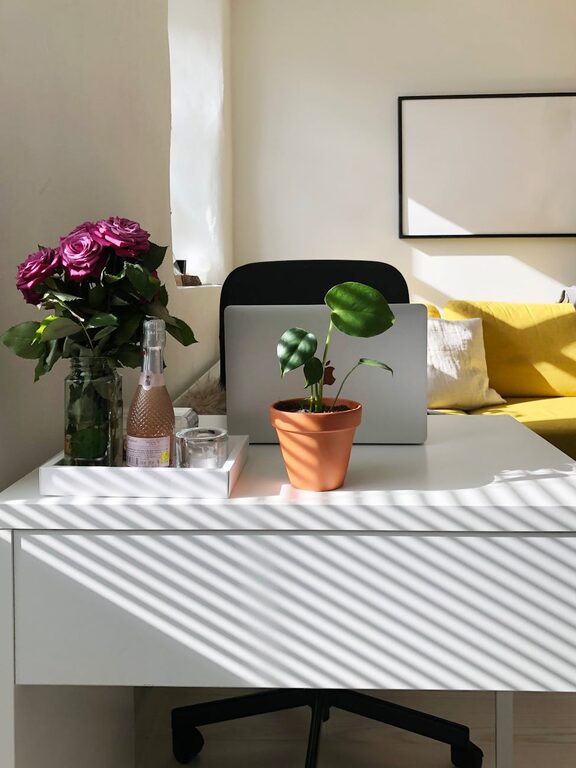
Incorporate plants: Small indoor plants can improve air quality and add natural beauty.
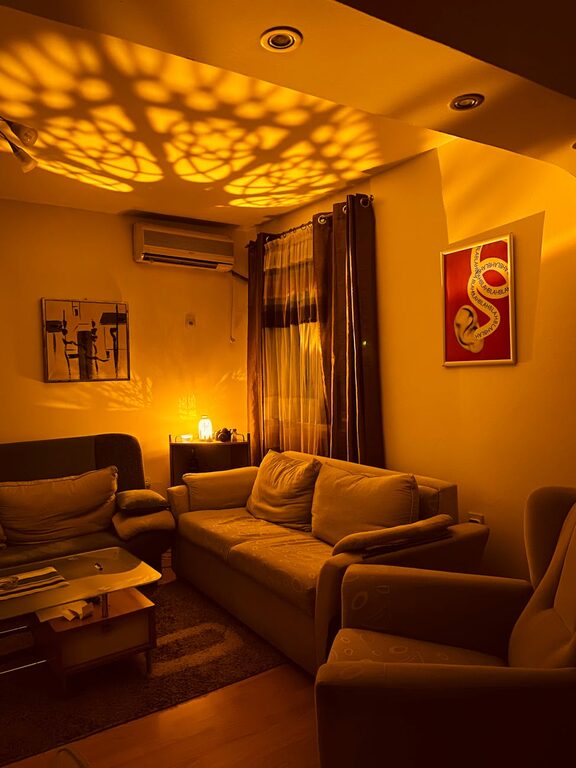
Hang calming artwork: Art or photos that make you smile or relax can boost your mood.
Use soft colors: Choose soothing colors for walls or accessories like cushions and rugs to create a peaceful atmosphere.
Optimize Lighting
Good lighting is key to reducing eye strain and enhancing focus.
Use layered lighting: Combine overhead lights with desk lamps for balanced illumination.
Adjust brightness: Choose bulbs with adjustable brightness or color temperature to suit different tasks or times of day.
Reduce glare: Position your screen to avoid reflections from windows or lamps.
Manage Noise Levels
Noise can quickly become a distraction, but there are ways to control it.
Use noise-cancelling headphones: These are great for blocking out background sounds.
Try white noise machines or apps: Gentle ambient sounds can drown out sudden noises and improve concentration.
Add soft materials: Rugs, curtains, and cushions absorb sound, making the room quieter.
Encourage Movement and Breaks
Sitting all day can be tiring and bad for your health.
Designate a break area: Having a separate space to stand or stretch helps you detach from work.
Incorporate a standing desk: If possible, alternate between sitting and standing to keep your body active.
Set reminders: Use timers or apps to prompt you to move or take deep breaths regularly.
Keep Technology User-Friendly
A smooth tech setup can eliminate frustration and support productivity.
Ensure strong Wi-Fi: A reliable internet connection helps prevent interruptions.
Organize cables: Use cable clips or sleeves to keep cords neat and avoid tangles.
Position screens ergonomically: Your monitor should be at eye level to prevent neck strain.
Final Thoughts
Designing a relaxing home workspace is all about balancing function and comfort. By choosing the right location, investing in ergonomic furniture, controlling clutter and noise, and personalizing your space, you can create an environment that supports your productivity and well-being.
Take time to experiment with different layouts and elements until you find what works best for you. A well-crafted workspace can turn your home into an efficient, comfortable, and enjoyable place to work.
Remember, your workspace should serve you—helping you focus, relax, and do your best work every day.